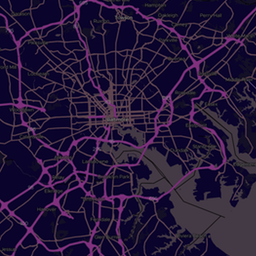
About Greyscale
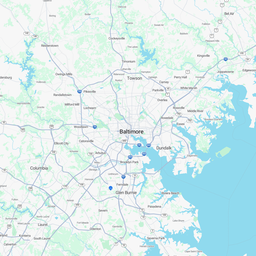
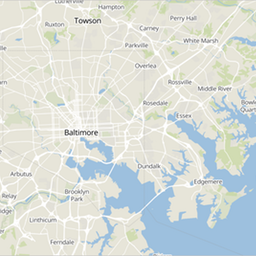
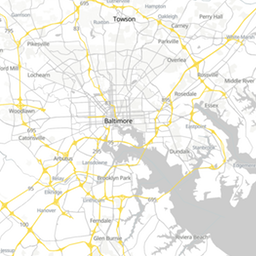
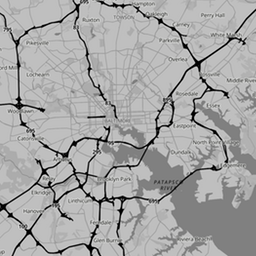
Light greys with pale blue-grey water and no colour anywhere else. Any colour you add, from markers to choropleth fills, becomes the focus.
Best for: Heatmaps, choropleths and coloured marker clusters.
Like every ExpressMaps style, Greyscale is served as vector tiles built from OpenStreetMap data, so it stays crisp on high-density screens, supports rotation and tilt, and works with MapLibre GL JS, Mapbox GL JS, OpenLayers and Leaflet. The style is a standard MapLibre style document, so you can also download it, change the colours and host your own variant.
Use this style on your site
Paste this into your page and replace YOUR_API_KEY with a key from your console. New accounts get 100,000 map loads a month free, no card required.
<link href="https://unpkg.com/maplibre-gl@4.7.1/dist/maplibre-gl.css" rel="stylesheet" />
<script src="https://unpkg.com/maplibre-gl@4.7.1/dist/maplibre-gl.js"></script>
<div id="map" style="width: 100%; height: 400px;"></div>
<script>
  var map = new maplibregl.Map({
    container: 'map',
    style: 'https://tiles.expressmaps.com/styles/greyscale.json?key=YOUR_API_KEY',
    center: [13.405, 52.52],
    zoom: 12
  });
  map.addControl(new maplibregl.NavigationControl());
</script>
Style URL: https://tiles.expressmaps.com/styles/greyscale.json?key=YOUR_API_KEY
Open in the embed generator Get a free API key